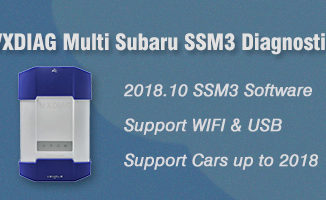
Vxdiag Subaru Software Compatible: SSM3 or SSM4?
Here, we’ll talk about SSM3 and SSM4 working for Allscanner Vxdiag Subaru What is SSM? SSM, the short form of Subaru Select Monitor, is […]

Here, we’ll talk about SSM3 and SSM4 working for Allscanner Vxdiag Subaru What is SSM? SSM, the short form of Subaru Select Monitor, is […]
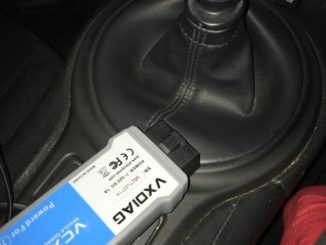
Vehicle Model: 5th gen Toyota 4Runner 4×4 SR5 2010 I just installed an OEM factory remote start on my 2010 SR5. Wife bought this for me for x-mas. The […]
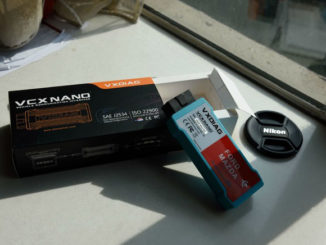
My old vcm2 clone was broken. I purchased a vxdiag vcx nano for ford/mazda to have a try. I got the WiFi version. It is […]
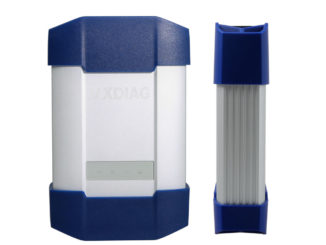
VXDIAG VCX Plus multi tool comparison: Item VXDIAG Full All-in-one VXDIAG BMW & Benz 2-in-1 VXDIAG for BMW VXDIAG for Benz VXDIAG for Subaru Authorization […]
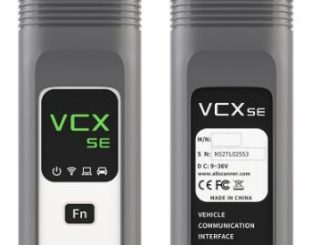
Problem: Hi, I have registered Pathfinder account for VXDIAG VCX SE JLR and tried to install the SDD patch later. But the patch zip.file requires […]
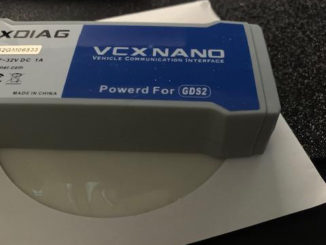
I got the USB version vxdiag vcx nano GM interface, should have gotten the WiFi Version, and still saved $10.00 Straight up, do your homework! (These […]
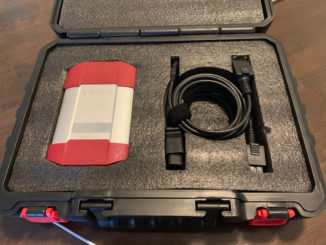
I bought the VXDIAG for Subaru. I have a 2015 Outback which had thrown a code regarding the Subaru Rear/Side Vehicle Detection (SRVD) System. My plan was to try to clear the code and potentially run the radar calibration process if necessary. Using the process described in the SubaruOutback.org forum ( https://www.subaruoutback.org/threads/srvd-disabled-fixed-and-dont-trust-the-dealer.500049/ ) I was able to clear the code without needing a recalibration. After the SRVD disabled, I pulled the bumper cover to see of there was any physical damage. None. I went on […]
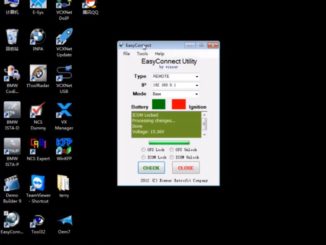
Tutorial: BMW E- series E70 Coding Device: VXDIAG VCX Plus BMW or VXDIAG VCX SE BMW Software: WinKFP, Ncs expert Module example to be coded: […]
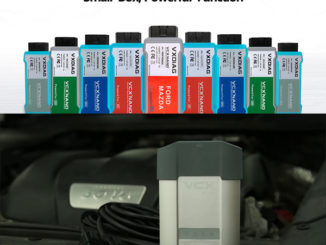
Question: Hi, is it VXDIAG VCX NANO for Toyota work on my Tacoma with old OBDI 22-PIN diagnostic socket? Possible to add a old-22-PIN cable […]
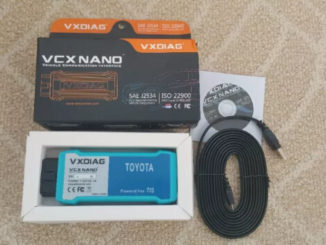
Background: Wrongfully assumed loading new TPMS IDs was as easy as my 2006 Land Cruiser. Vehicle in question is a 2015 LC, 09/2014 build date […]
Here vxdiagshop.com makes a comparison among VXDIAG VCX SE JLR, VXDIAG VCX NANO and VXDIAG VCX DoIP for JLR. Item VXDIAG VCX SE JLR VXDIAG […]
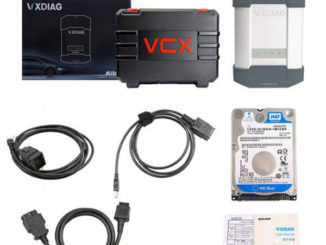
Tutorial: how to activate/register latest version 2019.12 Xentry and update vxdiag benz multi tool vci firmware. The procedure can be applied to: VXDIAG […]
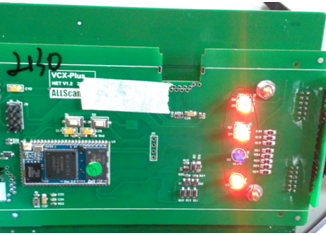
This is the firmware reset instruction for vxdiag devices (VXDIAG Multi Diag Serie) beginning with V71 ***** serial number. Firmware reset file download link: http://www.vxdiag.net/managecenter/fws/openwrt.bin […]
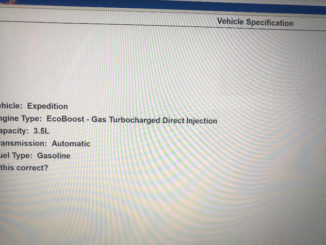
Question: I have installed the IDS V116 software for vxdiag vcx nano Ford. After connect with Expedition 2018, IDS will read vehicle model and engine, but […]
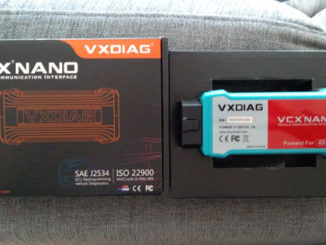
Purpose of buying: My VCM2 stopped working from one day to the other. So I bought the vxdiag vcx nano for Ford interface which was told to […]
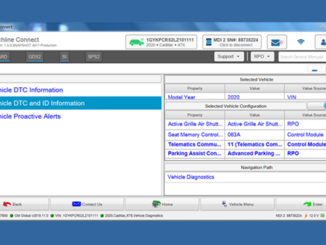
Yes, VXDIAG GM GDS2 software allows to print out diagnosis ID report HTML file to PDF format. Here’s the brief guide to follow: When […]
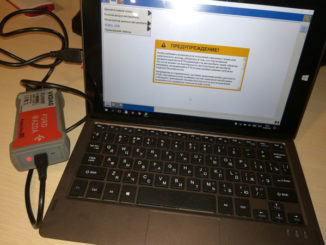
The 2019 latest version IDS V116.01 has been tested and verified working no issue with VXDIAG diagnostic scanner for Ford and Mazda. What’s new […]
Here lists latest software version of the vxdiag full multi tool 13-in-1 interface (till December 2019). VAG ODIS 5.16 Jaguar Land rover SDD 158.06—Pathfinder 263 […]
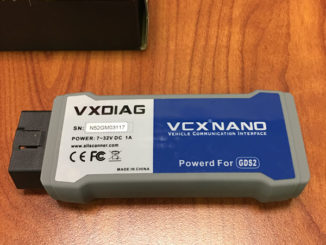
GM GDS2 (Global Diagnostic System) software Supported Vehicle List (The list is released by GM official. Better contact us to check if the model is […]
Here’s the working solution if you get an error when using Techstream to write new Toyota TPMS sensor IDs “ID registration failed due to a […]
Copyright © 2025 | VXdiagshop.com official blog